VideoKiosk: Make the Videos You Already Host Actionable
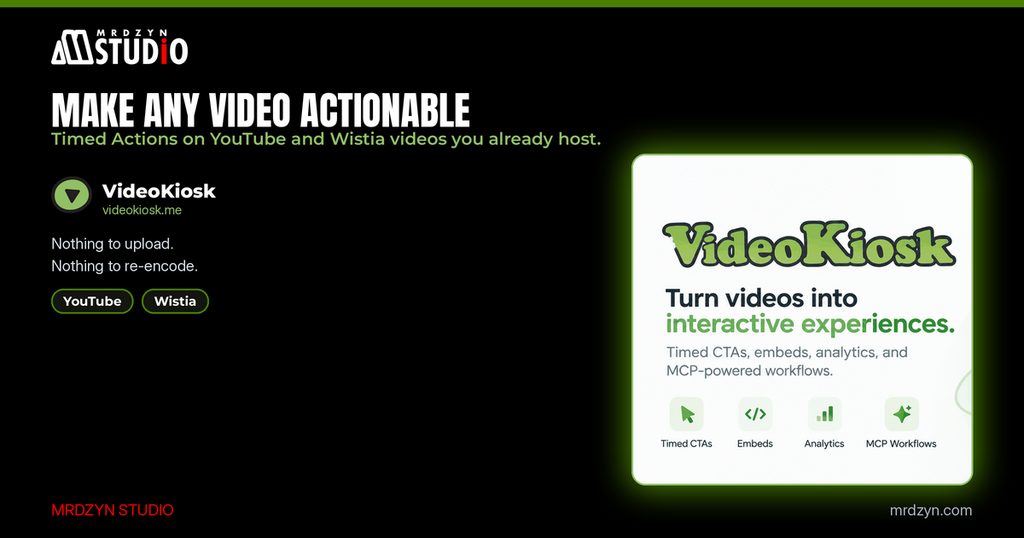
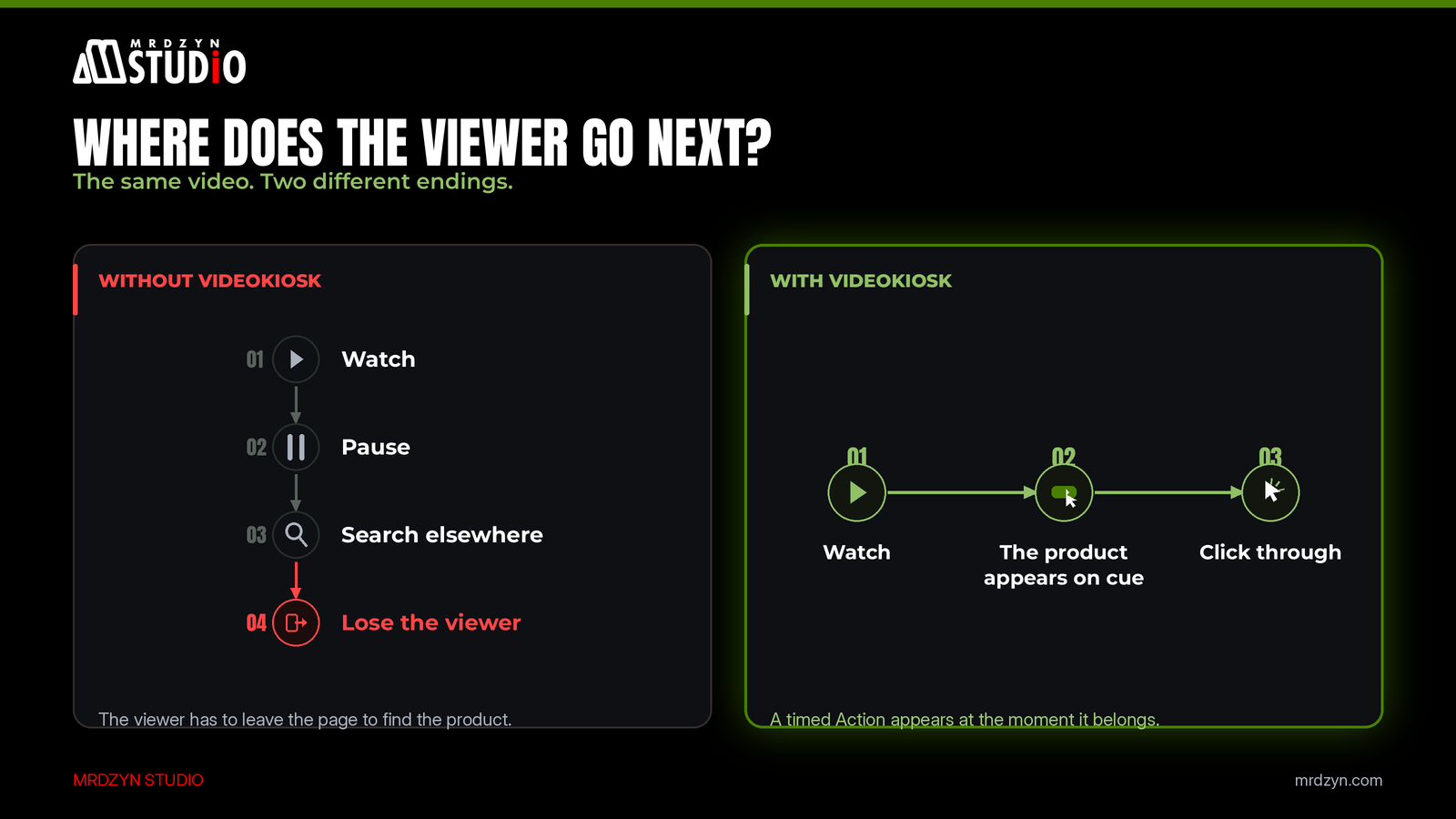
A viewer watches your review, likes the product, and then has to pause, open a new tab, search for it, and maybe find it. Or maybe they never come back. The video did its job. The page around it didn't.
We built VideoKiosk to close that gap. Its promise is simple: make any video actionable.
What VideoKiosk is
VideoKiosk turns videos you already host into interactive embeds. You attach timed Actions (products, affiliate links and calls-to-action) to specific moments on the video's timeline. When the video reaches that second, the Action appears, synced to the moment it belongs. It never floats over the video, and it isn't buried in a description.
There's nothing to upload and nothing to re-encode. VideoKiosk points at a video you already host on YouTube or Wistia, which are the two platforms supported today.
How it works
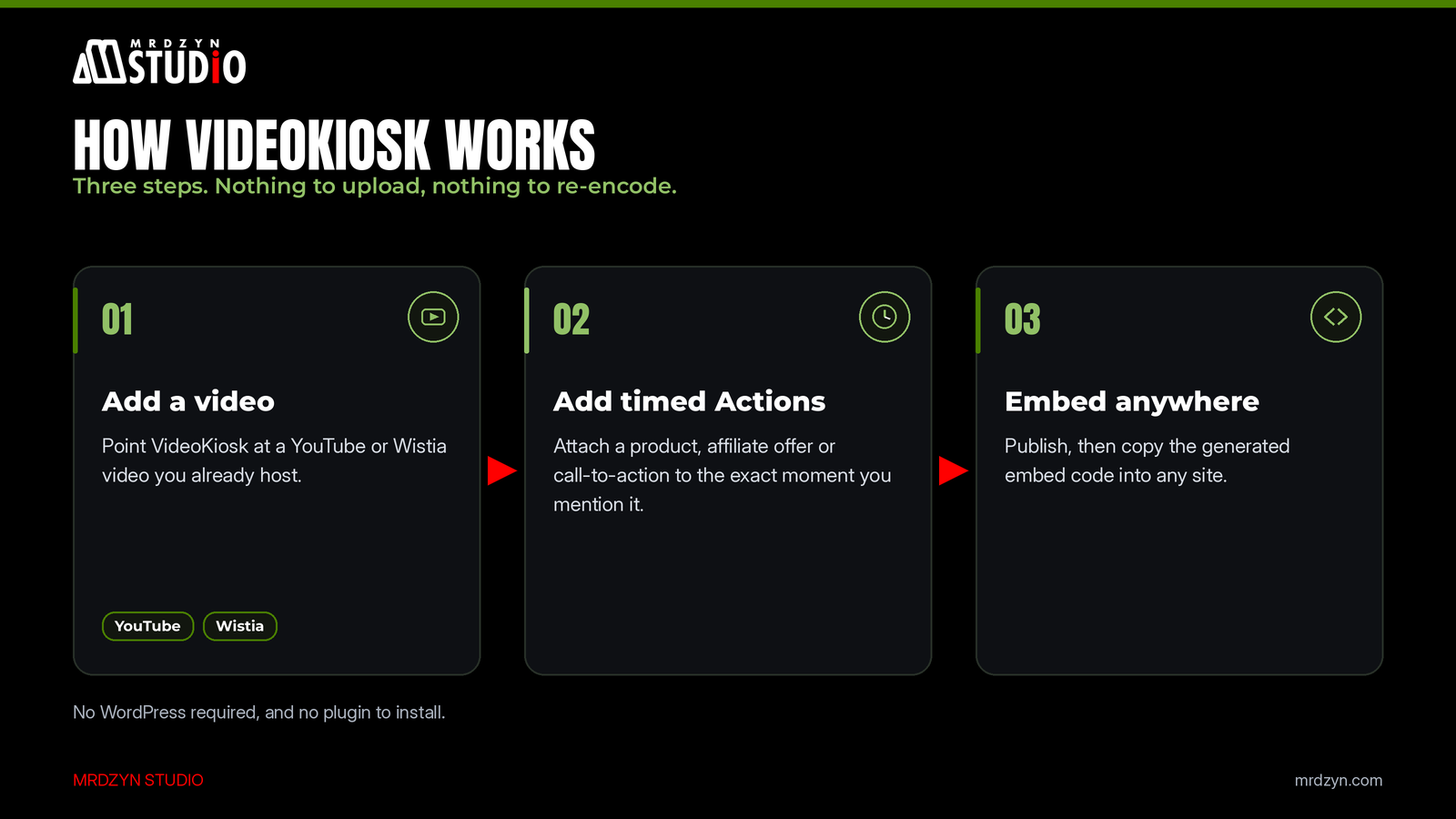
Setup is three steps:
- 1. Add a video. Paste the YouTube or Wistia video you already have.
- 2. Add timed Actions. Attach a product, affiliate offer or call-to-action to the exact moment you mention it.
- 3. Embed anywhere. Publish, then copy the generated embed code into any site. No WordPress required, and no plugin to install.
Works wherever you already sell
An Action is just a link. It can point to a WooCommerce product page, a Shopify listing, an affiliate offer or anything else with a URL. There's no product catalog to connect or keep in sync, so nothing drifts out of date. (WordPress and WooCommerce-specific tooling is on the VideoKiosk roadmap. The plain-link approach works today, for any storefront.)
That makes it useful for more than product videos:
- Product demos that show the product right when it appears.
- Reviews that become shoppable without editing the video.
- Affiliate content that connects a recommendation to its offer at the moment you make it.
- Tutorials and courses that surface the tool, resource or next lesson right on cue.
- Agencies that want to ship interactive video for clients without building it from scratch each time.
Know what your videos actually drive
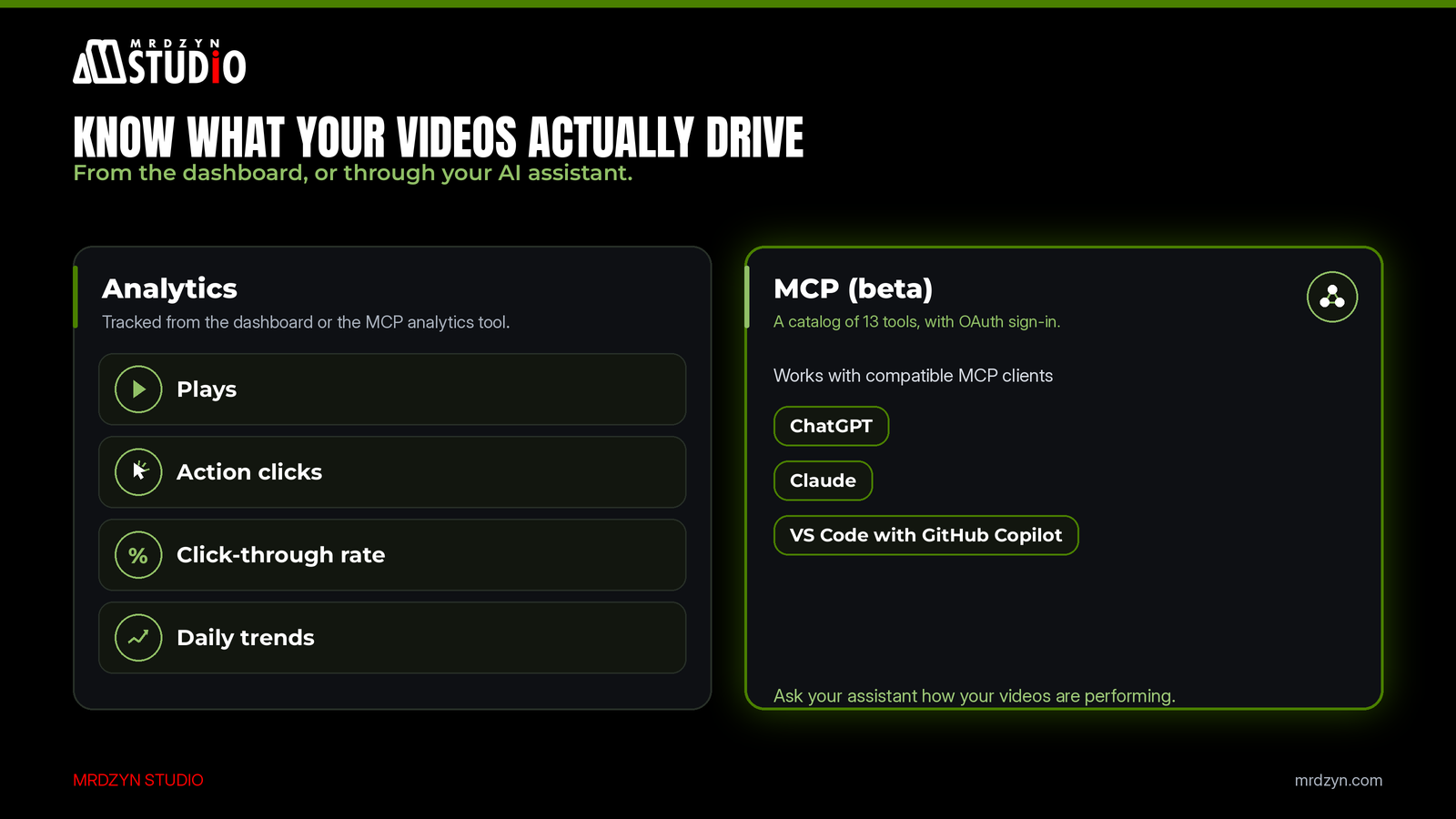
A view count tells you people watched. It doesn't tell you whether they did anything. VideoKiosk tracks real video plays, Action clicks, click-through rate and daily trends, from the dashboard or through its authenticated MCP analytics tool.
Use it from your AI assistant
This is the part we're most excited about as builders. VideoKiosk has an MCP server (MCP is the open protocol that lets AI assistants use outside tools), currently in beta. It offers a catalog of 13 tools, with OAuth sign-in and a branded production endpoint. We've tested it with ChatGPT, Claude and VS Code with GitHub Copilot, and other MCP apps can connect too. ChatGPT needs an eligible plan, and the MCP setup guide walks through each client.
In practice, that means you can ask your assistant to check how your videos are performing without opening another dashboard. When we want a quick view of our deployed kiosks, we just chat with ChatGPT and quickly see which ones are performing best.
How we use it ourselves
We don't just build VideoKiosk; we run our own content on it.
On our travel channel, EatMeTravelYou, every hotel story's video plays through a VideoKiosk embed. A few seconds in, a "Book" action appears that links straight to the hotel's booking page, at the moment the viewer is most interested. On this blog, our recent tool articles (on Publer, Sitejet, ChatGPT and Noota) use VideoKiosk players too, each with its own action button.
Since switching to VideoKiosk instead of embedding a plain YouTube video, we get more clicks on our links.
Pricing
You can start without a card. The Free plan includes 1 website with 3 videos and 25 MCP tool calls per day. When you need more, paid plans are available from your account:
- Solo, $9/month: for one creator and one site, with up to 100 videos.
- Pro, $18/month: for creators running up to 5 sites, with up to 100 videos.
- Agency, $49/month: for teams managing up to 15 client sites, with up to 100 videos per website.
All paid plans have no daily cap on MCP tool calls. Check videokiosk.me for current plan details.
Why we built it this way
The lesson we keep relearning is that the best tools fit into what people already do. Creators already host on YouTube or Wistia. Sellers already have a store. So VideoKiosk doesn't ask you to move your videos or sync a catalog. It adds the one missing step, the moment where a viewer can act, and measures whether they did.
Try VideoKiosk
Sign up, paste a video you already host, and publish your first interactive embed today. There's no waitlist.
Building your own SaaS, MCP server or AI-assisted app and want a senior second pair of eyes? Book a free 15-minute call with Mrdzyn Studio.
p>