ImageUpWP: Send Images Straight to WordPress
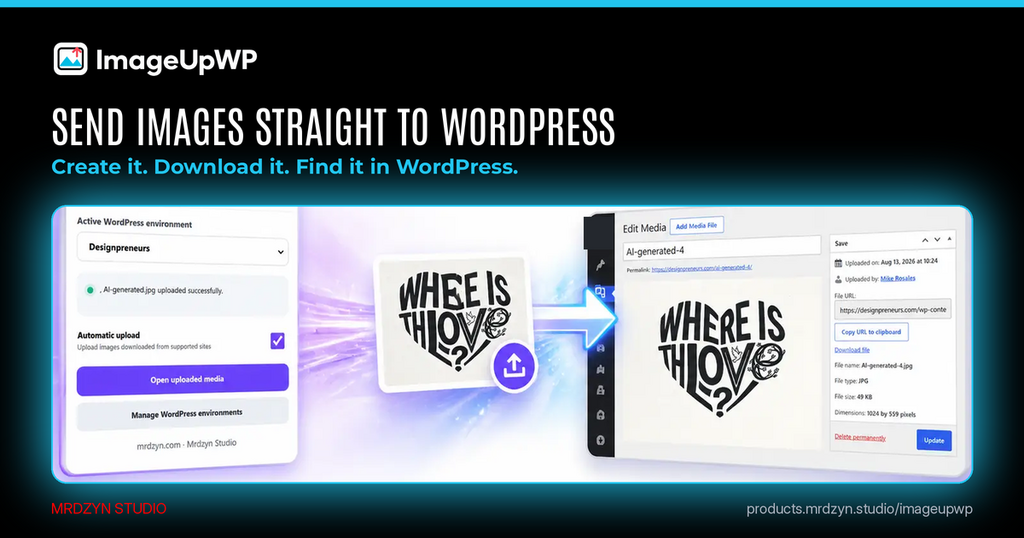
If you publish on WordPress, you know the routine. You make an image in one tool, download it, dig it out of your Downloads folder, open WordPress, go to the Media Library, pick the same file again and wait for it to upload. It only takes a minute, but you repeat it for every image in every post.
We built ImageUpWP to cut out the middle of that routine. Its tagline sums it up: Create. Download. Find it in WordPress.
What ImageUpWP is
ImageUpWP is a browser extension for Chrome, Microsoft Edge, and Safari on macOS. When you download an image from a supported creative tool, ImageUpWP sends it straight to your connected WordPress Media Library. You don't need to upload it again by hand. When you open the editor, the image is already in the Media Library and ready for your next post, page or project.
Who it's for
It's for anyone who keeps moving images from creative tools into WordPress:
- WordPress bloggers who want to make an image and publish an article without breaking their writing flow.
- Digital marketers whose landing pages, blog posts, promotions, social campaigns and lead magnets need lots of images every week.
- Content creators who make visuals with tools like Gemini, ChatGPT, VistaCreate, Piktochart or Creative Fabrica.
- Web designers and WordPress developers who keep downloading and re-uploading banners, mockups and graphics while building pages and client sites.
- Agencies and freelancers who make, download, organize and upload images again and again across several projects.
Key features
Direct to the Media Library
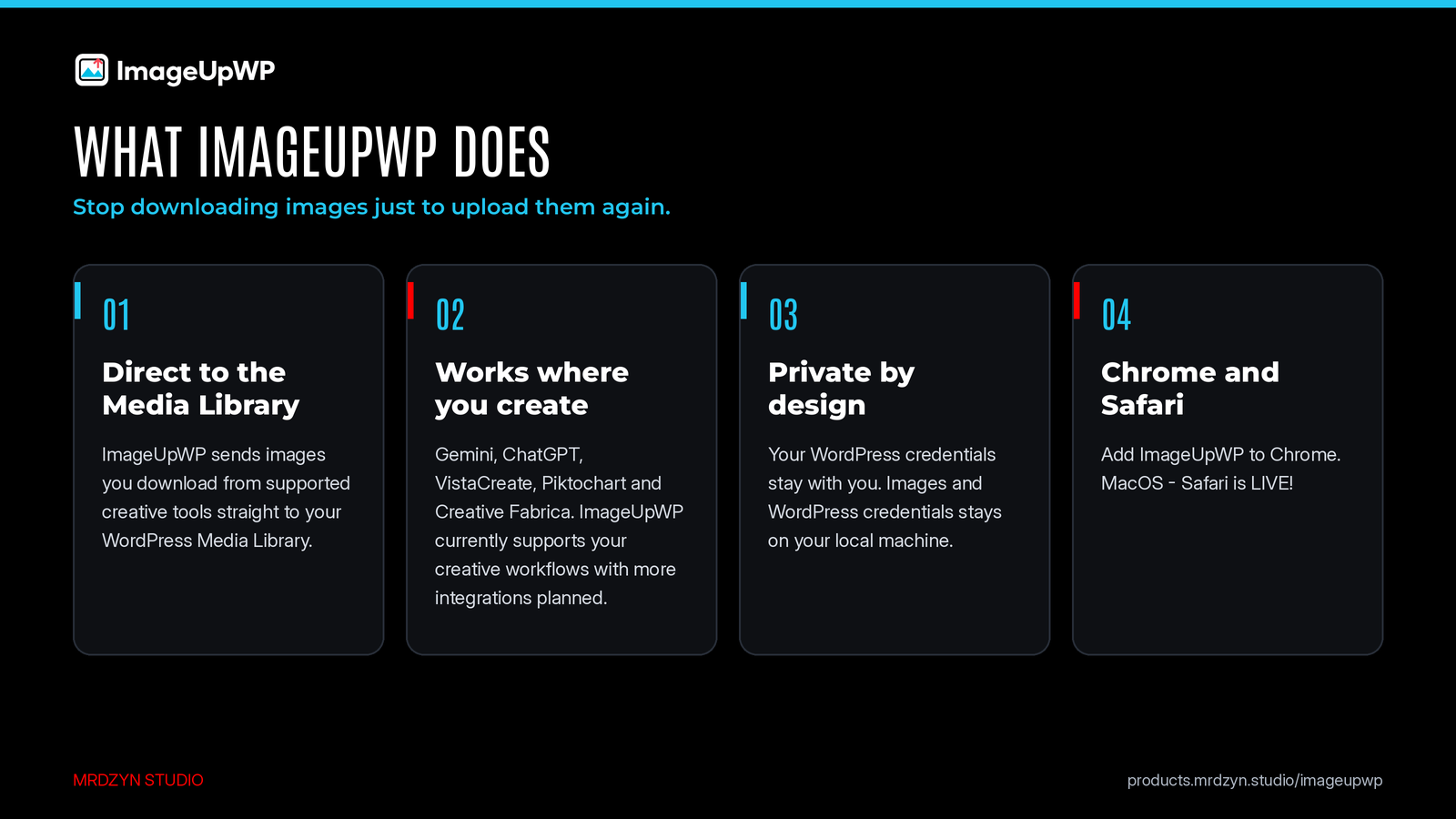
This is the main feature. Download a supported image and ImageUpWP sends it to your connected WordPress site. You skip the Downloads folder, the tab switching and the second upload.
Works where you create
ImageUpWP currently supports Gemini, ChatGPT, VistaCreate, Piktochart and Creative Fabrica, with more integrations planned. Gemini support is free. ChatGPT, VistaCreate, Piktochart, Creative Fabrica and future integrations come with ImageUpWP Premium.
Private by design
The extension connects your browser directly to your WordPress site. Your WordPress Application Password is encrypted before it's stored locally in your Chrome profile. Your WordPress credentials and uploaded images are not stored on servers run by ImageUpWP or Mrdzyn Studio. The product page also says the extension doesn't collect any information while you use it.
Chrome, Edge and Safari
You can add ImageUpWP free from the Chrome Web Store or Microsoft Edge Add-ons, and the macOS Safari version is on the Mac App Store. The Premium plan lists macOS Safari as included.
How to get started
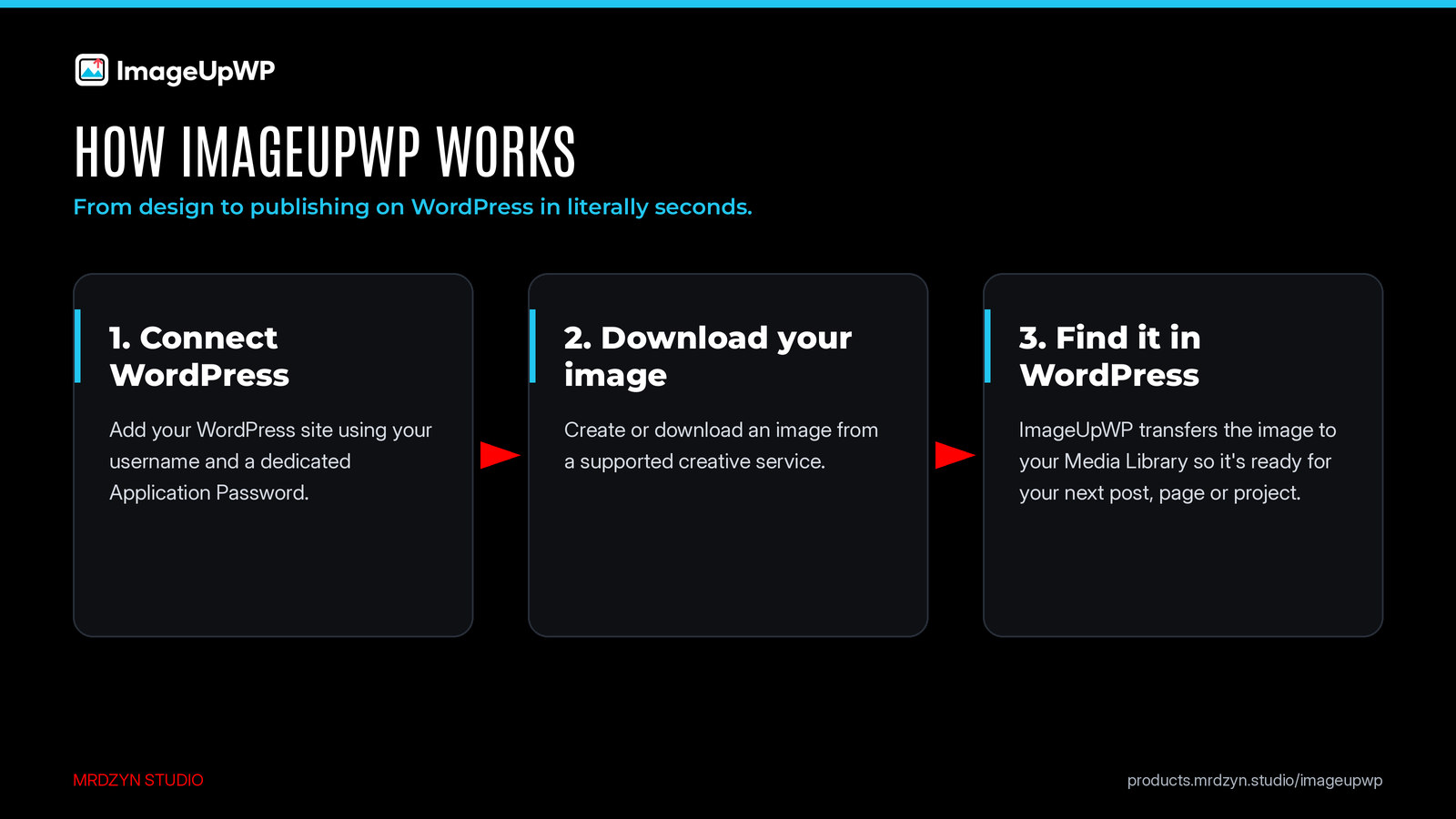
Setup takes three steps:
- 1. Connect WordPress. Add your WordPress site with your username and a dedicated Application Password.
- 2. Download your image. Make or download an image in a supported creative tool, the way you already do.
- 3. Find it in WordPress. ImageUpWP transfers the image to your Media Library, ready to use.
Start with the free Gemini support. If the rest of your workflow runs through ChatGPT, VistaCreate, Piktochart or Creative Fabrica, upgrade to Premium to unlock those integrations. To see it working first, watch the ImageUpWP video.
Why a small step is worth removing
As builders, we've learned that the friction worth fixing is usually the friction you repeat. Downloading and re-uploading one image is trivial. Doing it for every hero image, inline graphic, banner and campaign asset adds up, and it pulls you out of your writing or design work each time. ImageUpWP doesn't try to replace your design tool or your CMS. It just removes the one handoff between them.
If you manage several sites, or publish for clients, this matters even more. The same image handoff happens on every project. Taking it out of the routine means less time on file housekeeping and more time on the content, copy and design work that actually moves a page forward.
That's also why we kept the privacy model simple. The connection runs from your browser to your site, and your credentials stay on your machine.
Try ImageUpWP
If WordPress is where your images end up, try one less step between creating and publishing.
Add ImageUpWP to Chrome, free →
Add ImageUpWP to Edge, free →
Get ImageUpWP for Safari on macOS →
Or see the full details on the ImageUpWP product page.
Building your own browser extension, plugin or AI-assisted app and want a second pair of eyes? Schedule a meeting with Mrdzyn Studio.