50% Off VideoKiosk, SpeakPress Voice and ImageUpWP, Through Cyber Monday
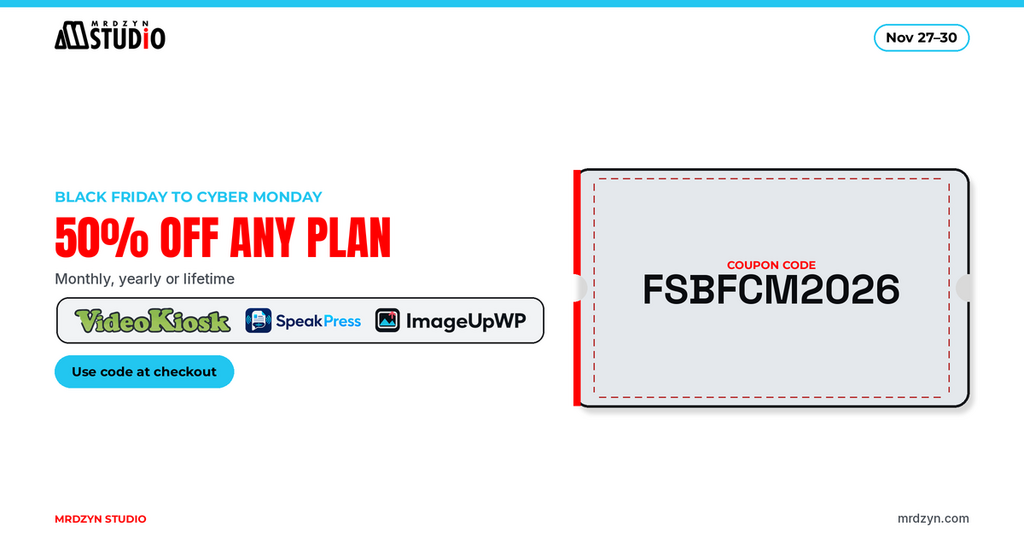
I'm running a sale this weekend on three tools I built for work I was tired of doing by hand. From Black Friday, Friday 27 November, through Cyber Monday, Monday 30 November 2026, you can get 50% off any plan (monthly, yearly or lifetime) on VideoKiosk, SpeakPress Voice and ImageUpWP. Enter the code FSBFCM2026 at checkout. The code runs from 27 November, 00:00 GMT, until 1 December, 00:00 GMT — Friday 27 November, 8:00 AM, to Tuesday 1 December, 8:00 AM, Asia/Manila.
VideoKiosk
A viewer watches your video, likes what they see, then has to pause, open a new tab, and go looking for it. Sometimes they come back. Often they don't.
VideoKiosk closes that gap. You point it at a video you already host on YouTube or Wistia, attach timed Actions — a product, an affiliate link or a call-to-action — to the moment it belongs, and paste one embed code into any site. There's nothing to upload or re-encode, and no WordPress plugin is required. The Action appears at that second, not floating over the video and not buried in a description.
You can start on the free plan (3 videos on 1 website, no card required). If you use an AI assistant, VideoKiosk's MCP is live in beta. You can connect compatible clients such as VS Code with GitHub Copilot, Claude, and eligible ChatGPT plans. Availability depends on your AI provider and plan. See the MCP setup guide.
Lifetime plans on VideoKiosk are available only during this Black Friday to Cyber Monday sale. To use the offer, sign up for a free account, then upgrade with the code FSBFCM2026.
SpeakPress Voice
If you publish on WordPress, SpeakPress Voice (SpeakPress on the product site) gives visitors a way to listen to your content.
It works on pages, blog posts, podcasts and custom post types. You can start free with the visitor's own device voices — no API key needed — and add the player with a Gutenberg block, or show it automatically on the content types you choose. SpeakPress Pro lets you play an MP3 you already have in the Media Library, or generate a permanent AI voiceover with Google Cloud, ElevenLabs or Dubverse and save it to WordPress. You generate it once, so a new voiceover isn't created every time someone presses Play.
Go to SpeakPress Voice and enter FSBFCM2026 at checkout.
ImageUpWP
If you publish on WordPress, you know this routine. You make an image, download it, dig it out of a folder, open WordPress, and upload it again.
ImageUpWP cuts out that middle step. It's a browser extension for Chrome, Microsoft Edge and Safari on macOS. Download a supported image and it goes straight to your connected WordPress Media Library. Setup is three steps: connect your site with a username and a dedicated Application Password, download the image from a supported tool, and find it in WordPress.
Gemini support is included free. ImageUpWP Premium adds ChatGPT, VistaCreate, Piktochart and Creative Fabrica. Your WordPress credentials and uploaded images are not stored on servers run by ImageUpWP or Mrdzyn Studio.
See ImageUpWP and enter FSBFCM2026 at checkout. You can also add it from the Chrome Web Store, Microsoft Edge Add-ons or the Mac App Store for Safari. On a Mac, download the free macOS app, then upgrade through the extension with the code.
The code, one more time
Use FSBFCM2026 for 50% off any plan (monthly, yearly or lifetime) on all three products. For VideoKiosk, sign up for a free account first, then upgrade with the code.